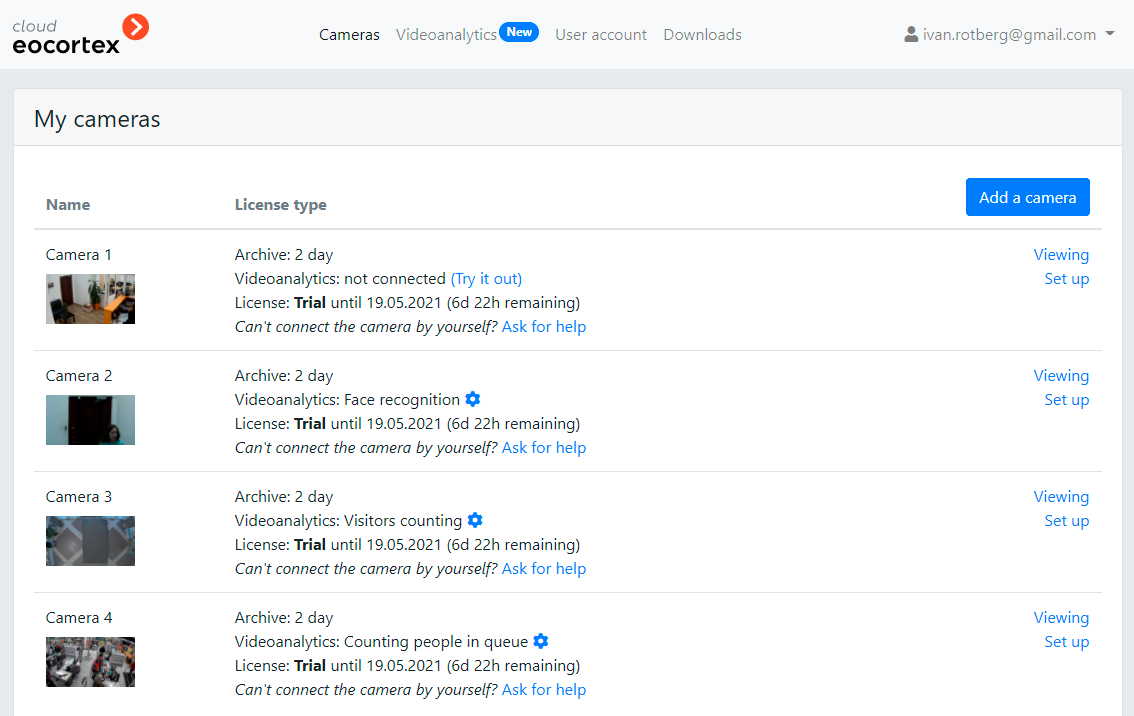
To set up a camera in the personal account area, press the Set Up button located to the right of the required camera shown in the list of cameras.
The camera setup window will open.

The PTZ capabilities are only available for the cameras connected via ONVIF.
The camera connection settings are described on the Connecting cameras page.