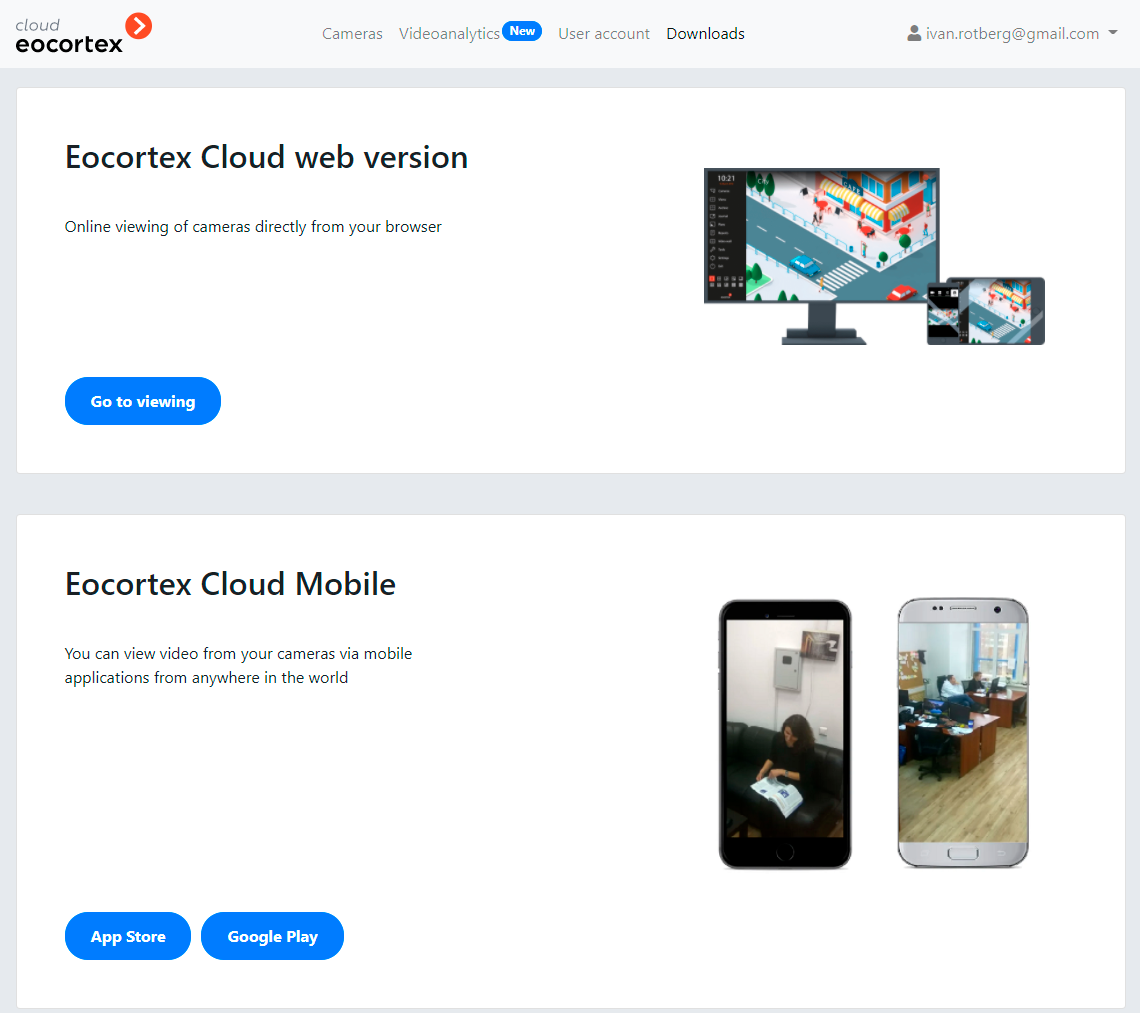
In order to start using the Eocortex Cloud service, it is required to get registered, then go to the personal account area, connect cameras and, if necessary, make other settings.
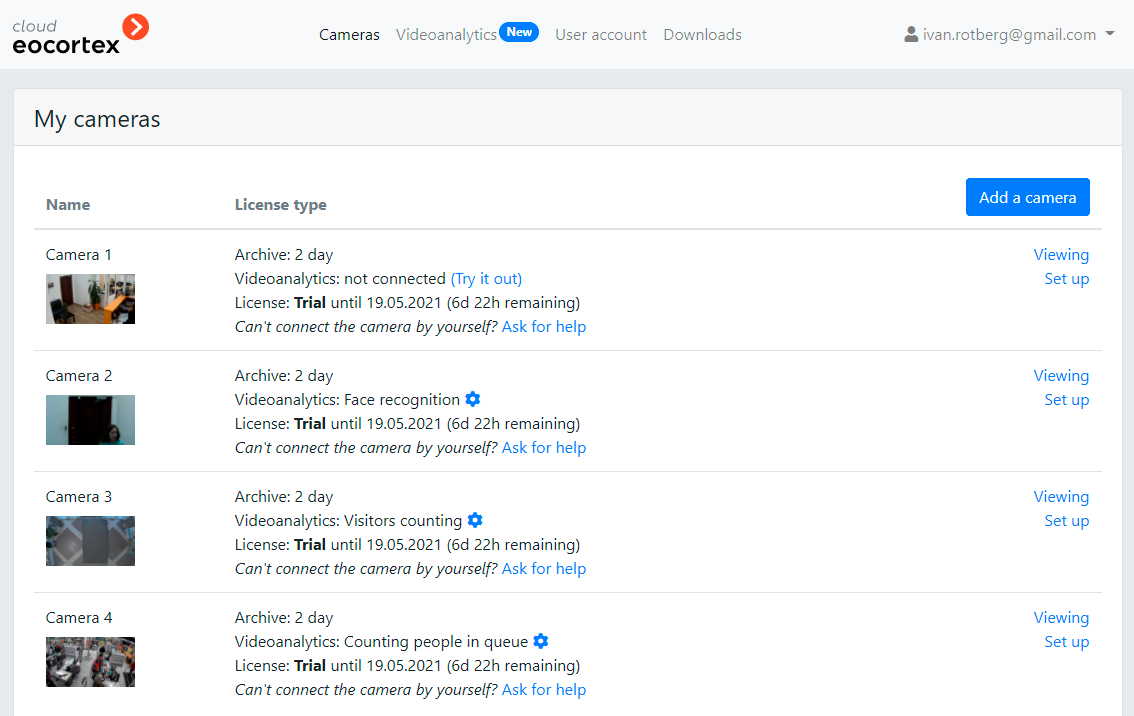
It is possible to watch video from the cameras in the personal account area as well as in the standalone client applications.
In order to watch the video in the personal account area, it is required to press the View button located to the right of the desired camera shown in the list of available cameras. It is also possible to switch to the Downloads tab and press the Go to viewing button on the Eocortex Cloud web version tab.
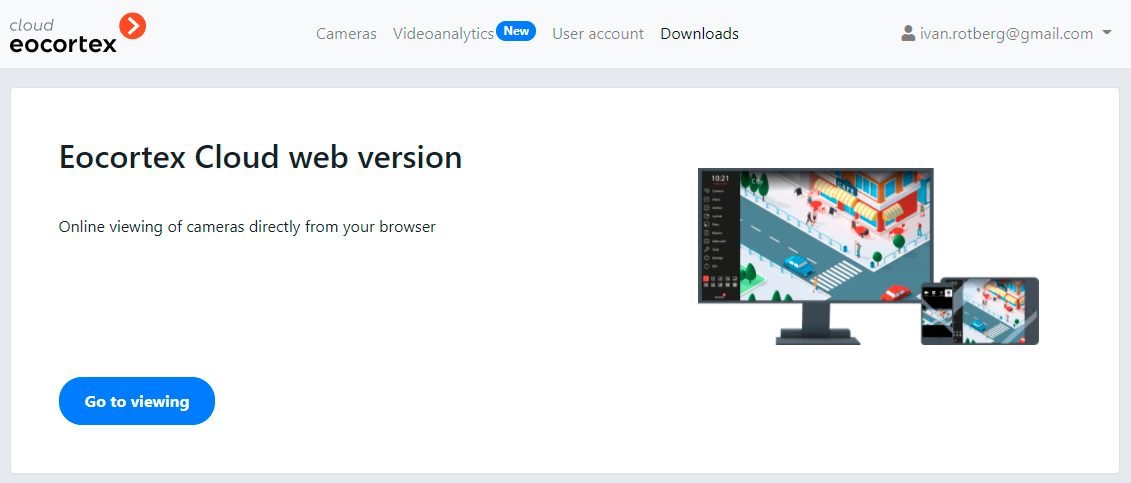
The applications can be downloaded in the personal account area and on the Downloads tab.